Feature
Your Brand. Every Pixel.
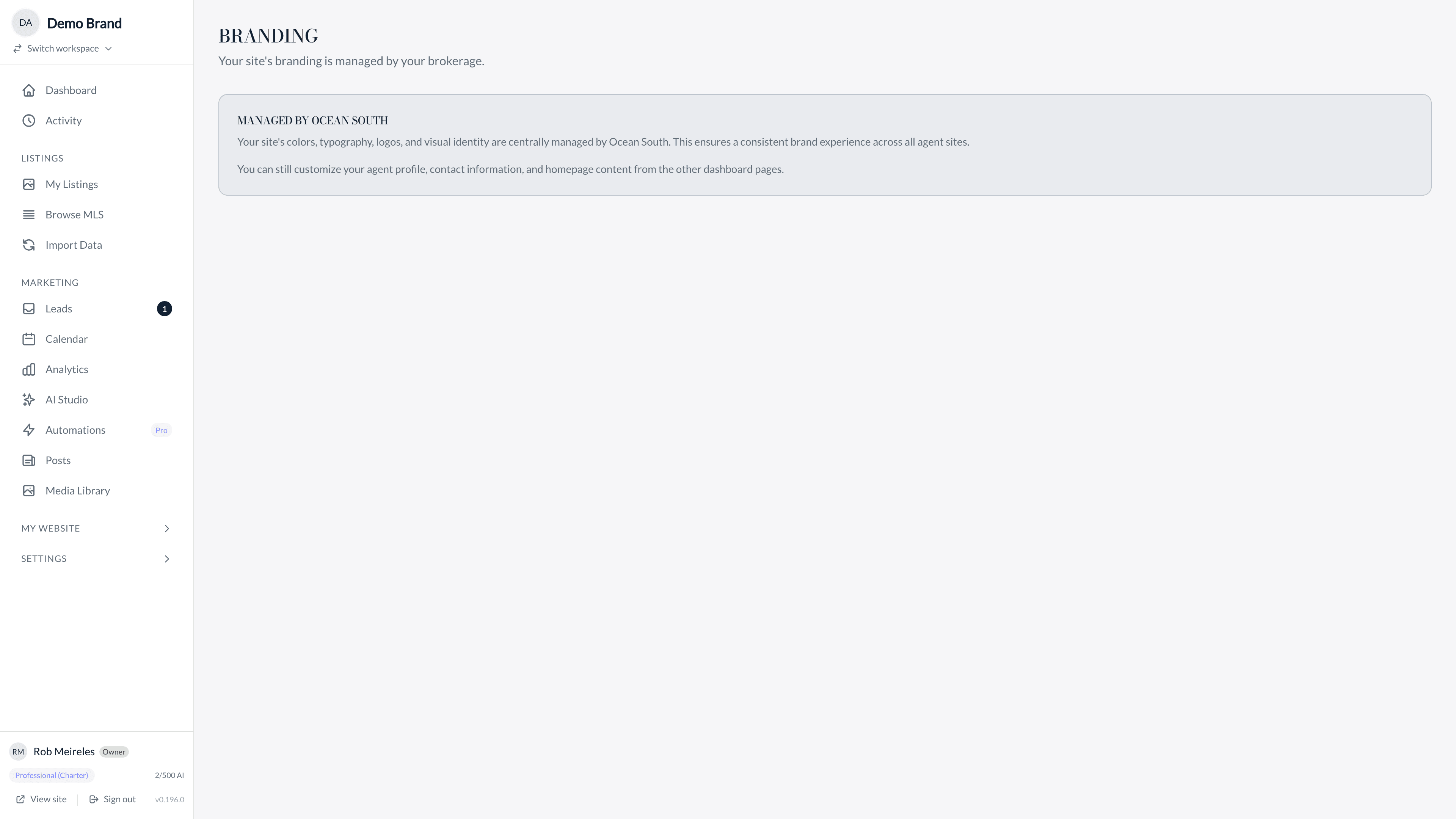
Define your brand palette, choose your typography, upload logo variants for light and dark mode, and fine-tune every visual detail. Your site should look like you built it from scratch.
Benefits
Why you’ll love it
Brand Palette System
Define up to 10 named brand colors and assign them to specific roles across your site. Primary, accent, background, text, and more, all mapped to your exact palette.
Typography Presets
Select from curated font pairings that complement luxury real estate. Headlines, body text, and accent fonts work in harmony with your brand identity.
Logo Management
Upload your logo with a dark mode variant for seamless appearance across all contexts. Your branding looks perfect on light backgrounds, dark backgrounds, and everything in between.
Header and Footer Variants
Choose from multiple layout variants for your header and footer. Adjust navigation style, logo placement, and content sections to match your brand presentation.
How It Works
Get started in minutes
Upload Your Assets
Upload your logo, dark mode variant, and any brand assets. Set your brand colors by entering hex values or picking from the color selector.
Configure Your Palette
Assign your brand colors to roles: primary buttons, accent highlights, backgrounds, and text. The system generates consistent color relationships across your entire site.
Preview and Refine
See your branding applied across every page in real time. Adjust typography, spacing, and layout variants until every detail is exactly right.
FAQ
Frequently Asked Questions
Yes. Enter your exact brand hex colors, upload your brokerage logo, and select typography that matches your brand guidelines. Your site will be consistent with all your marketing materials.
Your brand palette includes dark mode assignments. Upload a separate logo variant for dark backgrounds and the system handles the rest, including automatic color adjustments for readability.
Yes. Advanced users can inject custom CSS for fine-grained control over any element. This is in addition to the visual branding controls, not a replacement.
Brand Templates allow your brokerage to define a locked design system that applies across all agents. Individual agents keep control of their content while the brokerage maintains brand consistency.
Explore More
Related Features
Design Templates
Estate for editorial elegance. Gallery for modern, photo-forward impact. Waterfront for coastal sophistication. Choose the template that matches your market and switch instantly.
Service Areas
Define the neighborhoods and communities you serve. Each service area gets a dedicated page with featured listings, area descriptions, and filtered search results that establish your local expertise.
Blog & Content
Publish market reports, neighborhood guides, and thought leadership directly on your site. AI-assisted drafting gets you from blank page to published post in minutes.
Explore More
See how we compare
vs Luxury Presence
Same luxury positioning, direct MLS integration, and AI-powered content — without the $500+/month price tag or long-term contracts.
vs AgentFire
No WordPress maintenance, no plugin updates. Direct MLS sync, AI content generation, and luxury design templates on a modern platform.
vs Placester
Modern platform with direct MLS integration, AI content generation, and three premium design templates — built for agents who want to stand out.
Brand Your Site
See how Custom Branding can transform your real estate business.